Assisted Submission
Step 1
Scan or Input Your Cards
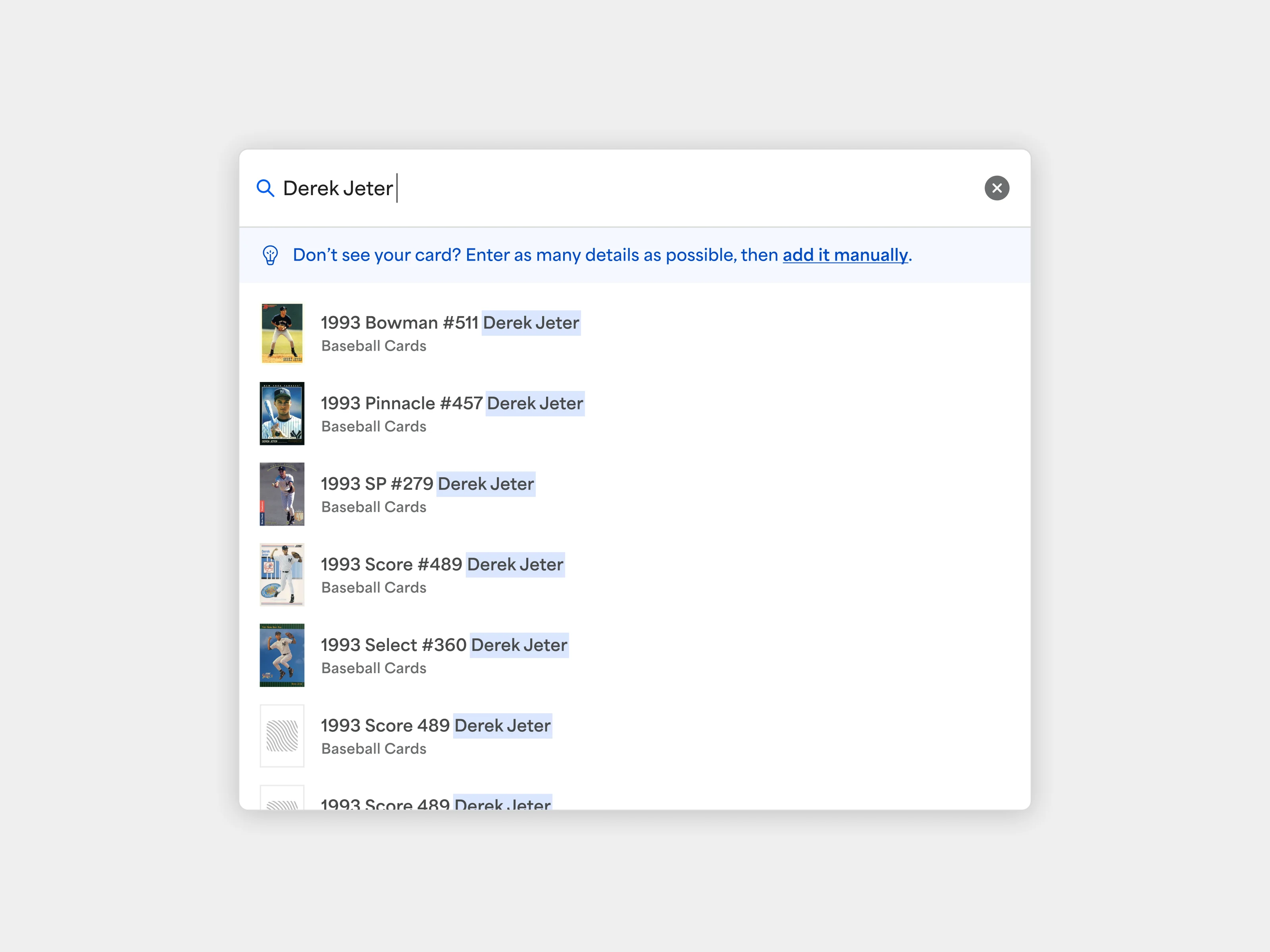
Scan your cards in the PSA app for instant identification or manually enter details on web. Our system auto-populates information to make it simple.
Step 2
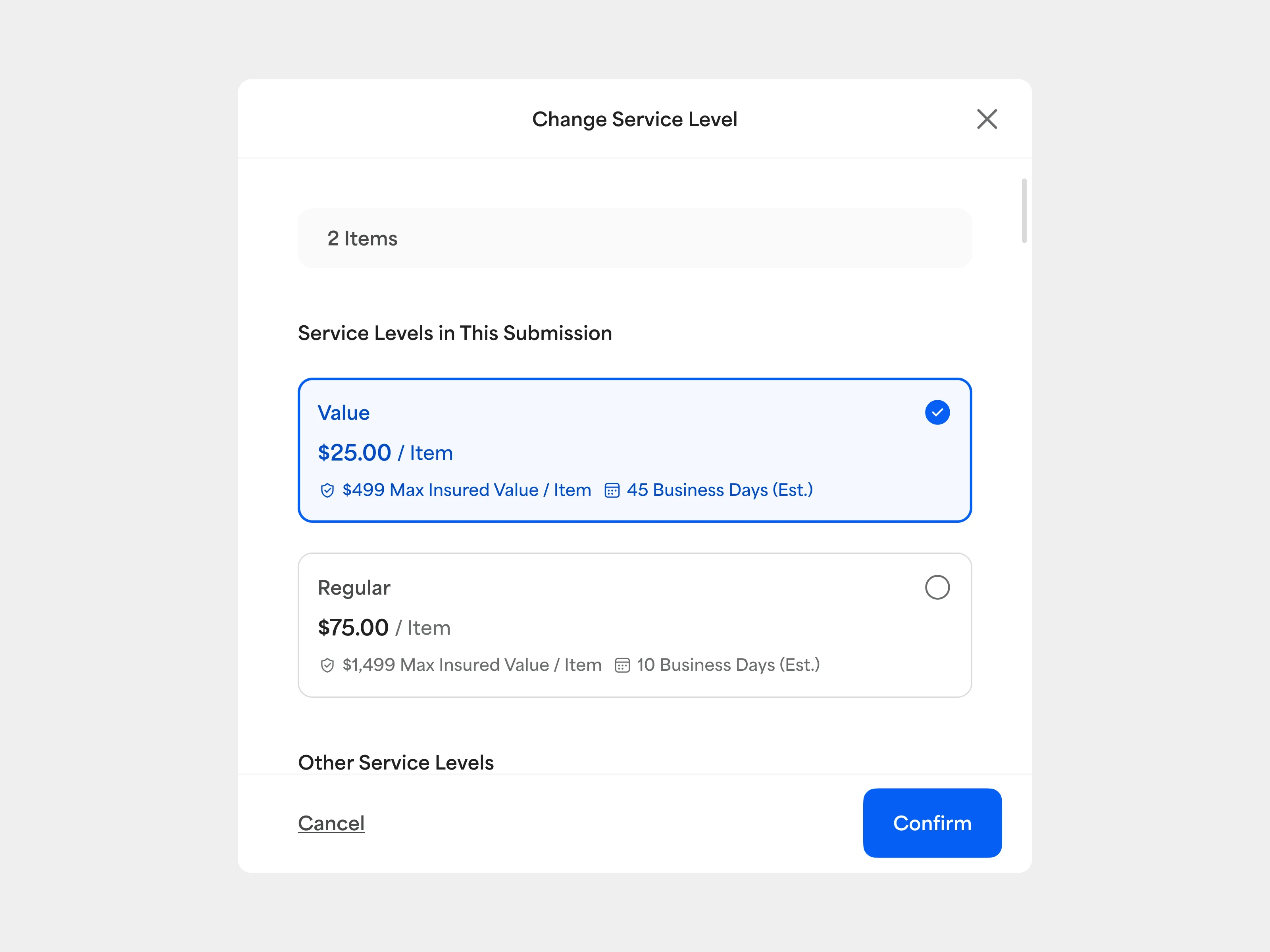
Review Service Level Recommendations
PSA will estimate your card’s graded value and recommend the best service level on a card-by-card basis. You can accept the recommendations or adjust them manually.
Step 3
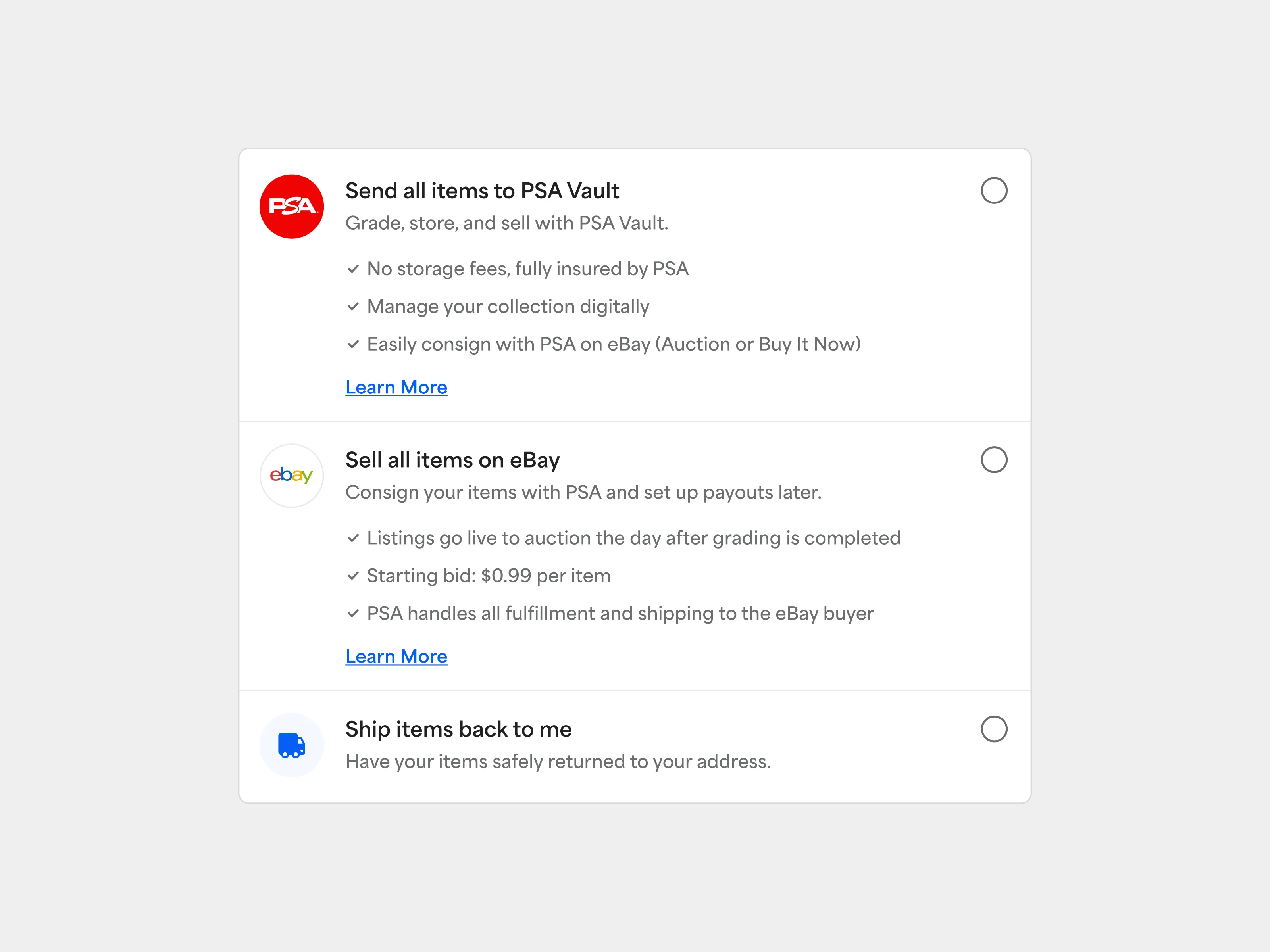
Choose Your Destination
Ship to your home, store in your PSA Vault, or seamlessly list on eBay.
Step 4
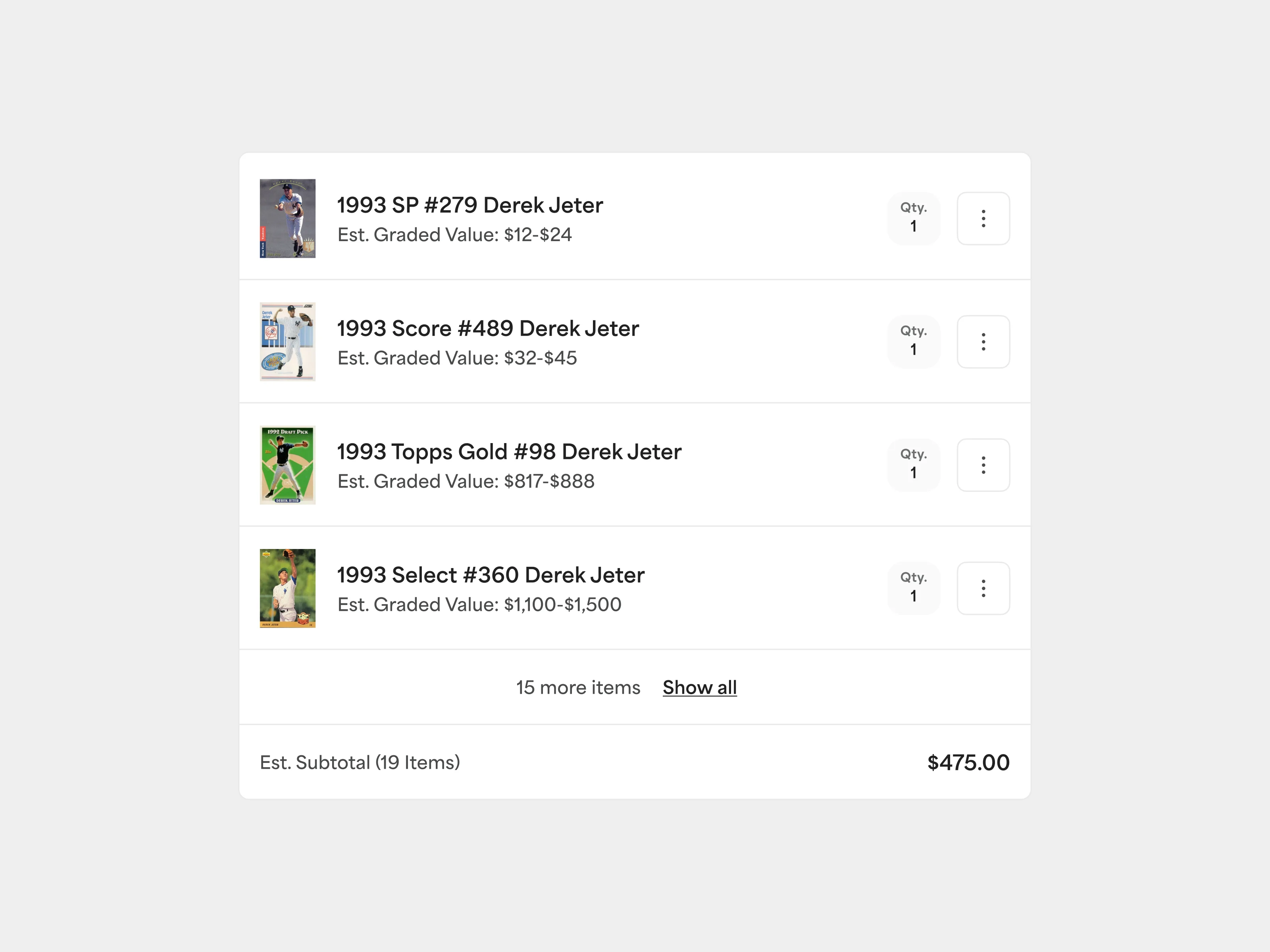
Review Your Order
Take a final look. Confirm everything is correct before checkout.
Step 5
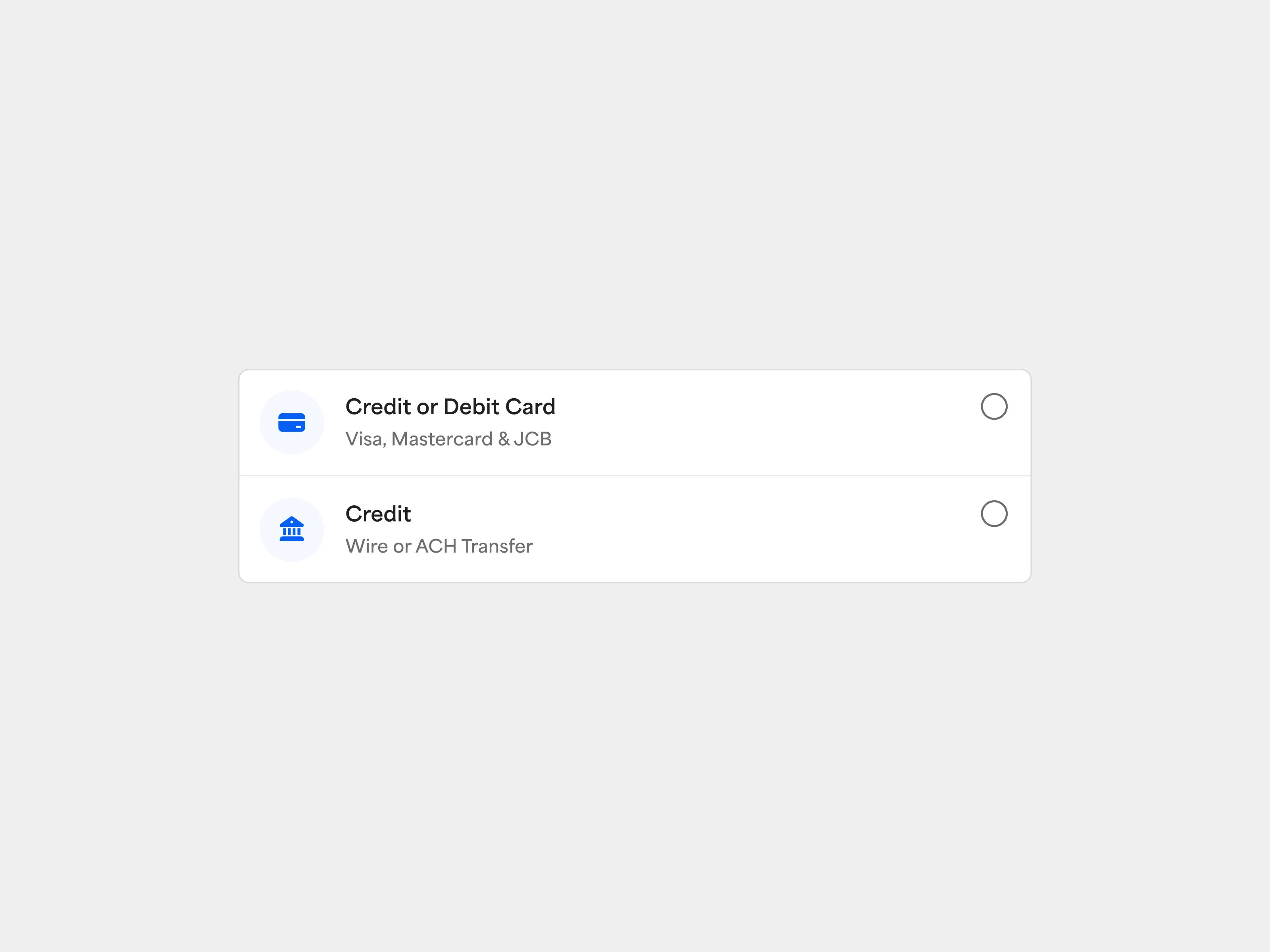
Complete Checkout
Select an existing payment option or add a new one.
Step 6
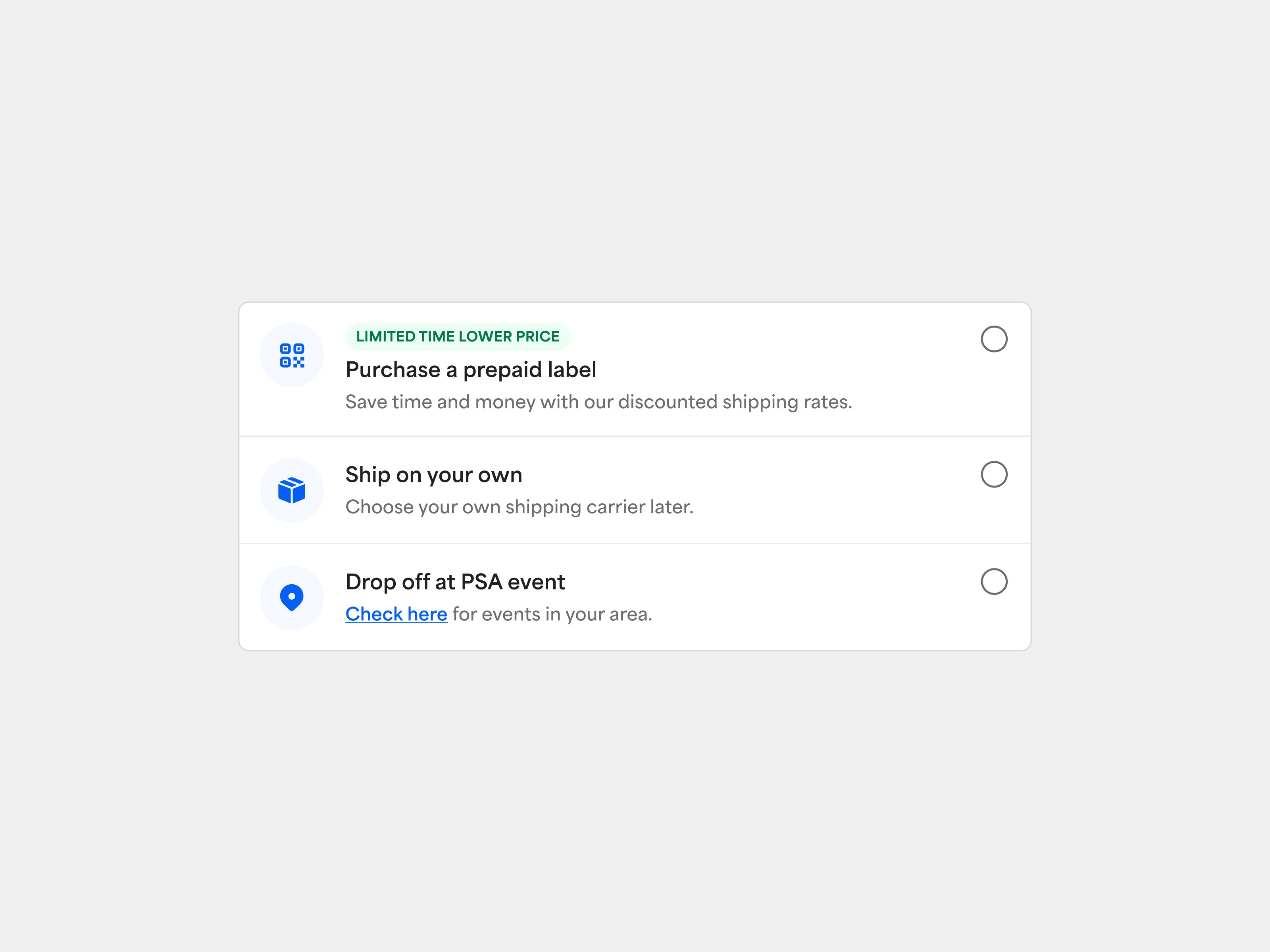
Get Your Order to PSA
Next Steps
Next Steps